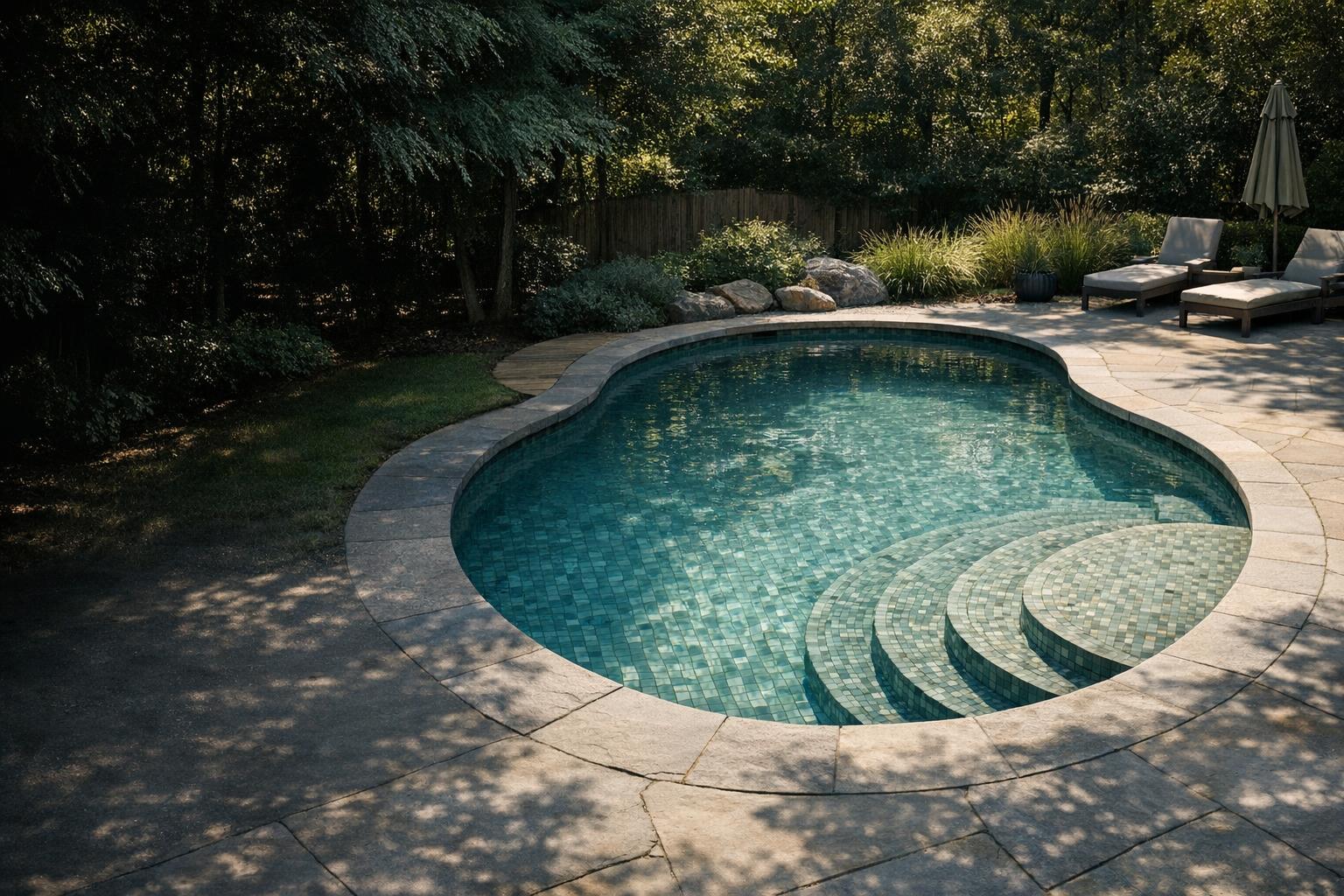
A robot touching the top of a wall is not the same as a robot cleaning the waterline in the way you expect. Begin with the exact model capability, then evaluate the selected mode and the condition of the cleaner. Keep the task specific: identify which upper-wall areas remain dirty and under what conditions.
Confirm the feature belongs to your model
Open the manual for the exact model, including any number or suffix after the family name. Find the cleaning surfaces and available modes. Write down whether the documentation explicitly includes waterline work. Do not infer that capability from a photograph showing a robot on a wall or from another model in the same family.
The retrieved LIBERTY manual identifies waterline scrubbing for specified models within that family.[1] This is why model-level reading matters. If your manual only describes floor cleaning, stop troubleshooting a feature you have not confirmed. Ask support to clarify ambiguous wording before paying for a filter, brush, or software feature that might not change the supported task.
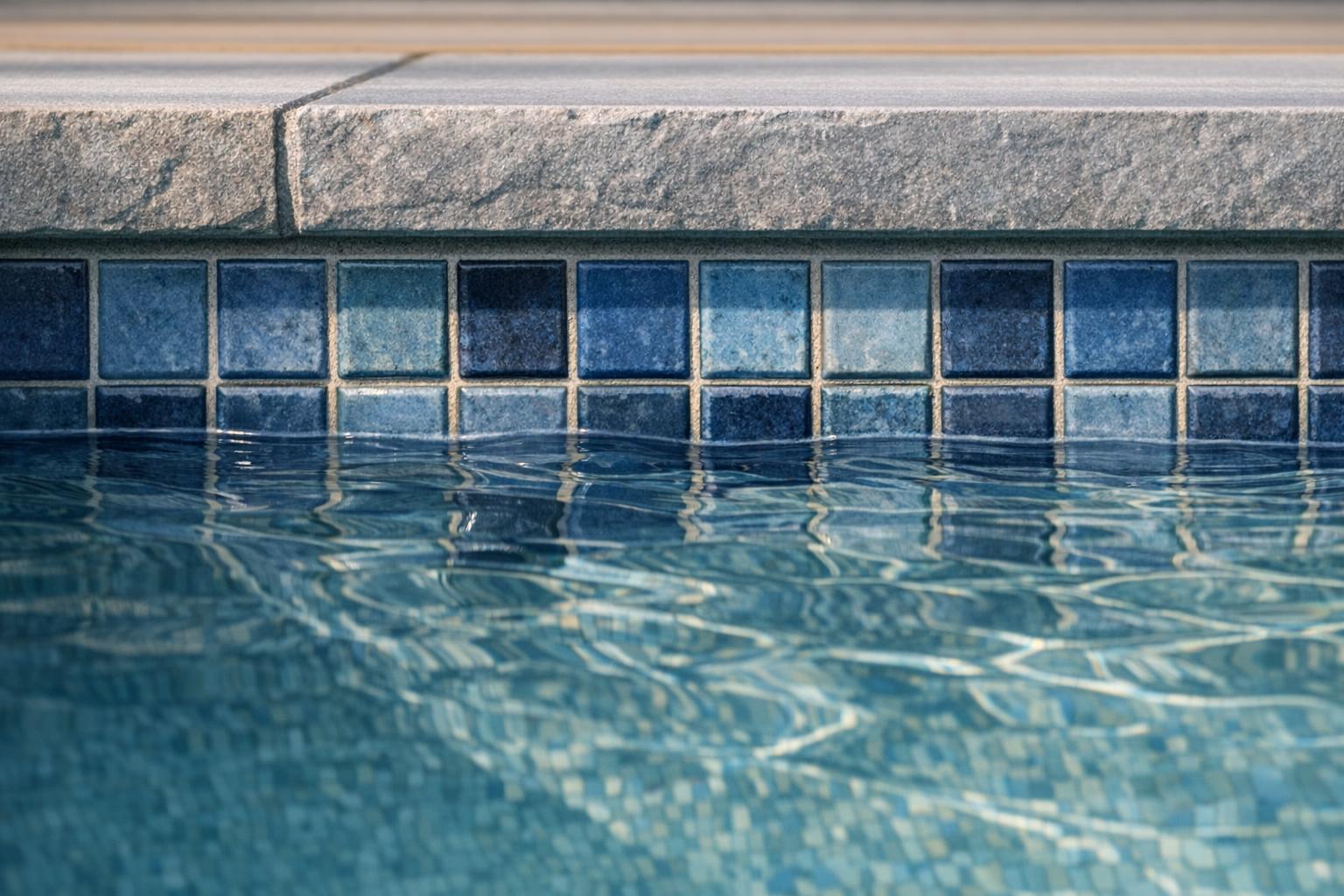
Define the dirt and the missed location
Photograph the affected area before a session. Is the issue a narrow band around the perimeter, a corner beneath a rail, or one stretch above a bench? Does the robot reach the wall below it? Use the zone names from our pool coverage map so the comparison can be repeated.
Avoid diagnosing an unfamiliar stain from a photograph alone. A mark that remains after ordinary cleaning may need an assessment specific to the pool finish. Ask the finish supplier or pool professional before applying an abrasive pad or chemical. The robot question is whether it performs its documented maintenance task, not whether it can remove every type of deposit.

Check the selected cleaning program
Record the program before starting. Check whether a floor-only or short setting has been selected, and whether the setting resets after a completed session. Read the controls section instead of assuming the last app screen reflects the active program. If another household member operates the cleaner, compare routines before declaring an intermittent failure.
Maytronics includes accidental floor-only selection among its wall-climbing checks.[7] Make one documented correction and observe the next complete cycle. Do not repeatedly switch modes mid-session and then compare the result with an uninterrupted run. A clear record of mode, start location, and finish condition is more useful to support than a collection of unexplained screenshots.
Inspect the collection system first
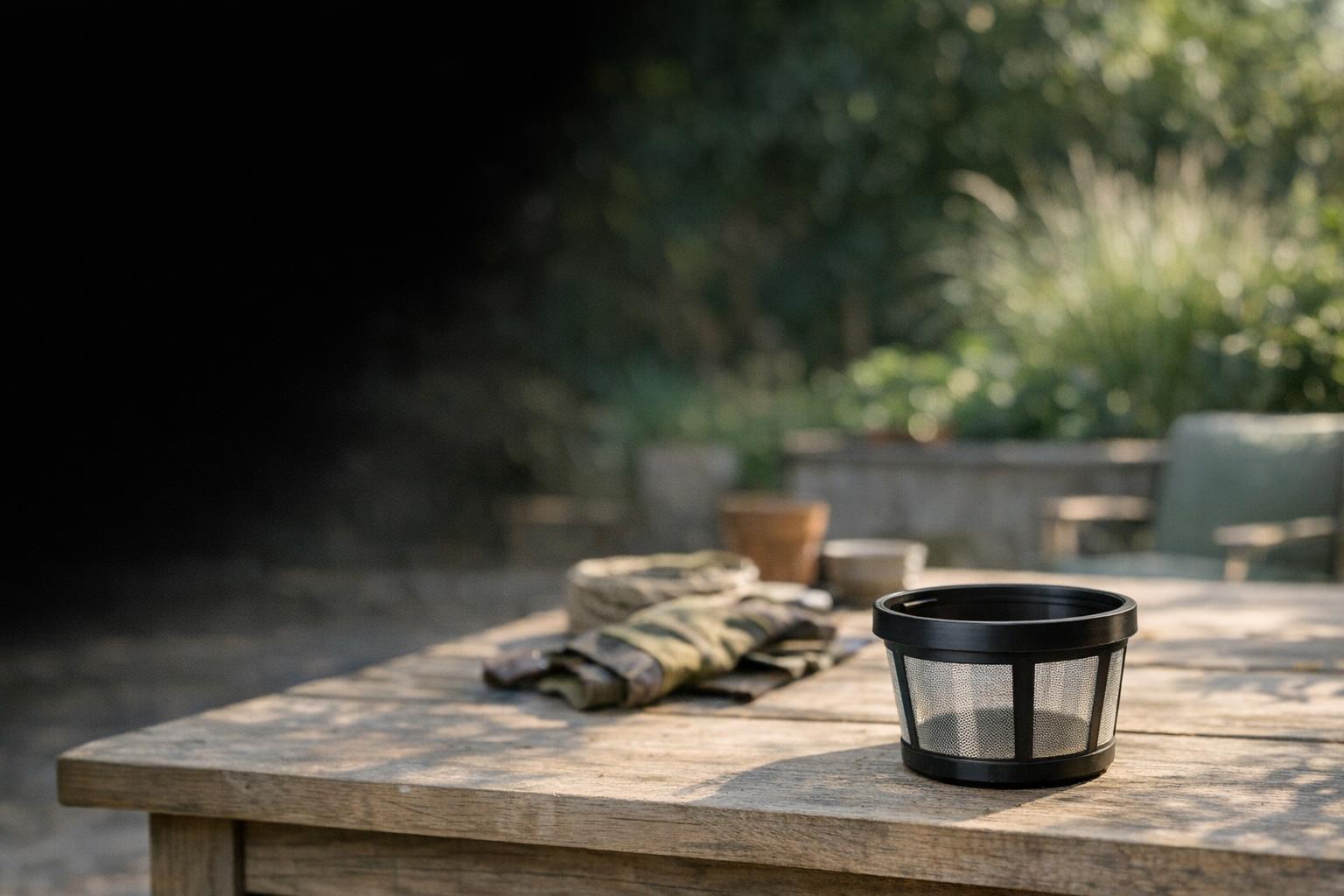
Retrieve and isolate the cleaner as its manual requires before inspecting it. Check that the basket or panels are correctly installed and maintained. Use the filter guide to identify the assembly and cleaning instructions. Avoid treating a nearly empty basket as proof that the media is unobstructed.
Maytronics notes that ultra-fine filters can retain tiny particles despite appearing clean.[5] That is a narrow reason to examine the filter, not a diagnosis for every climbing problem. If you already have a manufacturer-approved alternate filter, ask whether a comparison is appropriate for your model. Do not operate without the required filter to create an improvised test.
Check conditions and reach without modifying the pool
Compare the water conditions with your exact manual and use actual test readings where required. Document unusual weather, a recent opening, or a change in pool treatment. For a corded machine, examine whether the cable becomes taut at the problem wall. A reach issue deserves attention before replacing mechanical parts.
Maytronics lists pool conditions, sufficient cable, and impeller debris among its climbing checks.[7] Follow only the user maintenance allowed for your cleaner. Do not add weights, modify flotation, alter drain fittings, or apply a different model handle adjustment. If the manual contains no adjustment for your configuration, ask the manufacturer rather than inventing one.
Escalate with an observable result
After completing the permitted checks, record a short video from deck showing the approach, climb, and return. Include the selected mode, model number, filter type, and whether the behavior happens on every wall. Explain whether this is a new problem or has occurred since the first use. Those details separate a possible setup issue from a change in performance.
Our troubleshooting guide helps prepare that report. Accept documented limitations when deciding what remains manual, but do not normalize new or unsafe behavior. Stop using equipment with damaged electrical parts or unexplained faults and obtain model-specific support. The objective is consistent, supportable maintenance, not forcing the cleaner to perform an undocumented maneuver.
Set a realistic acceptance criterion before the next evaluation. You might want the cleaner to visit a particular accessible stretch during its documented program, while accepting that a rail or bench leaves some manual work. Describe that criterion in ordinary language and photograph the same area before and afterward. Avoid assigning an invented percentage-clean score; a consistent visual record and a clear statement of the remaining task are easier to interpret honestly.