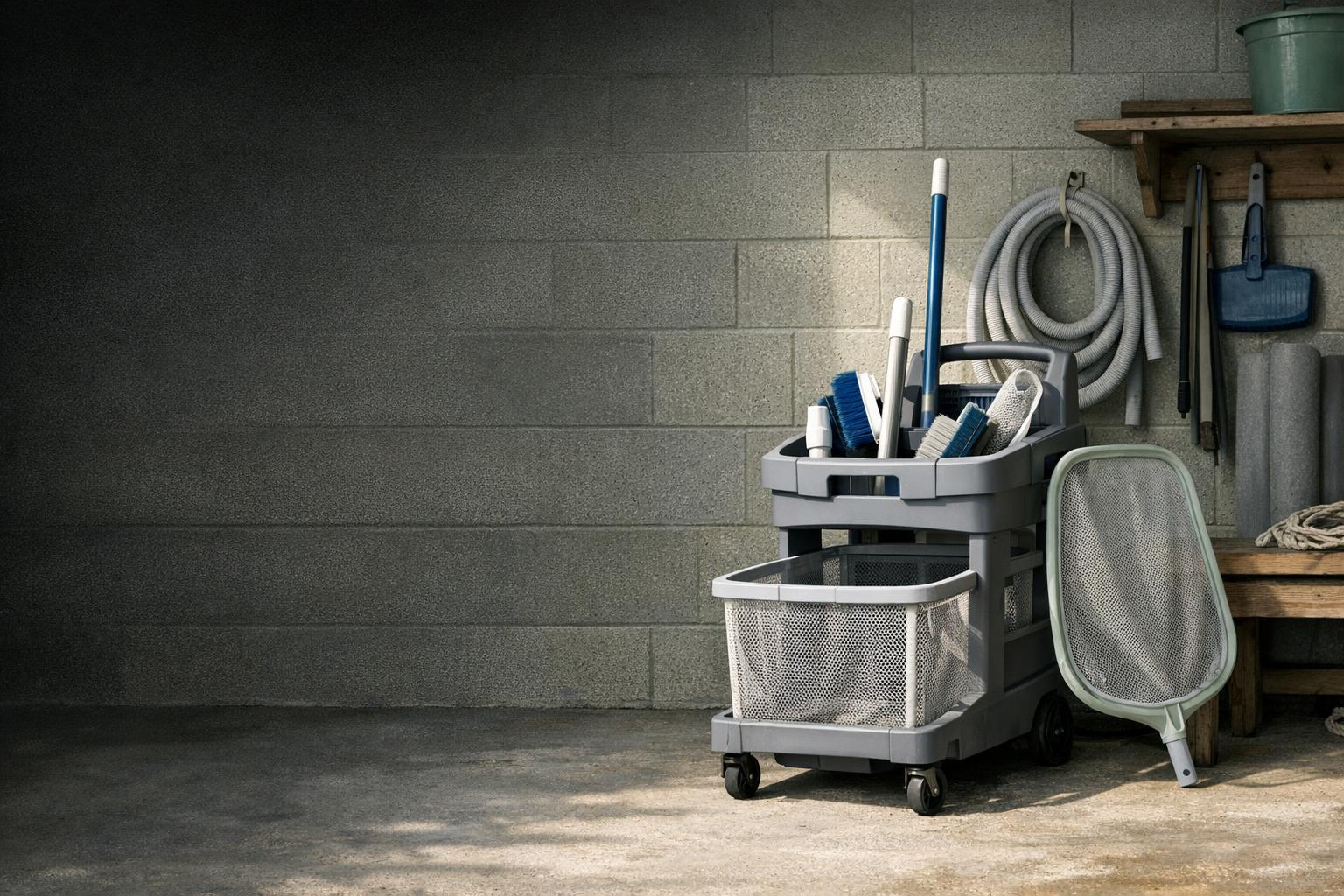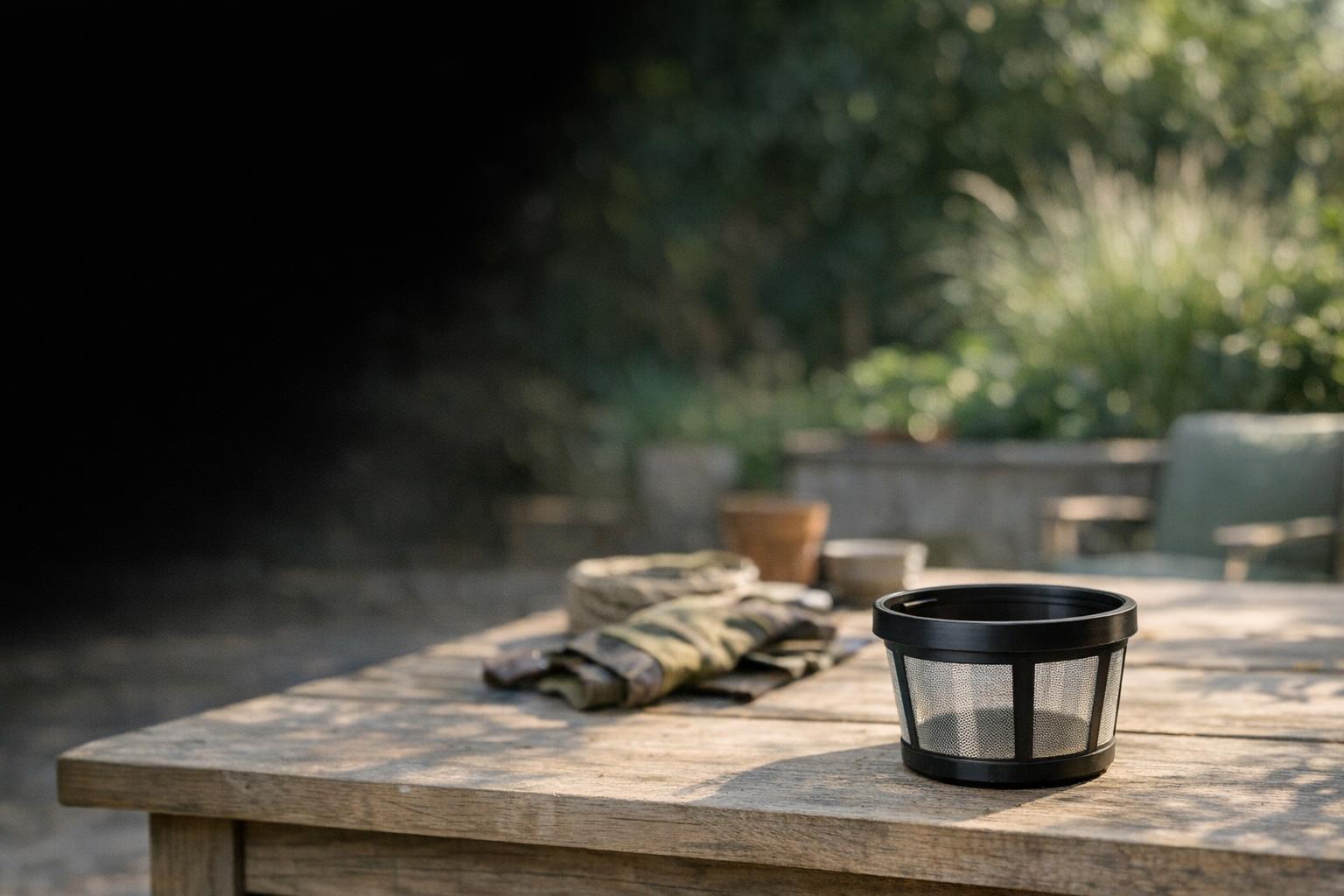
Choose a pool robot filter around the debris you actually collect and the filter system your machine supports. A finer-sounding label does not establish compatibility or prove better results. The useful decision combines capture needs, practical cleaning, and the exact replacement part rather than a single advertised number.
Identify what the cleaner has to collect
Look at the debris before ordering an accessory. Separate leaves and grass from gritty particles and very fine material. Note whether the problem occurs all season, after wind, or only during opening. Photograph the contents of the existing basket and a representative patch on the floor. You do not need to identify every particle scientifically to make the question more precise.
Maytronics distinguishes spring filters for larger debris from ultra-fine filters for smaller particles in its startup guidance.[4] That distinction is an example within its product system, not a universal classification across brands. Ask what the manufacturer recommends for your model and documented debris problem.
Treat fit as a pass-or-fail requirement
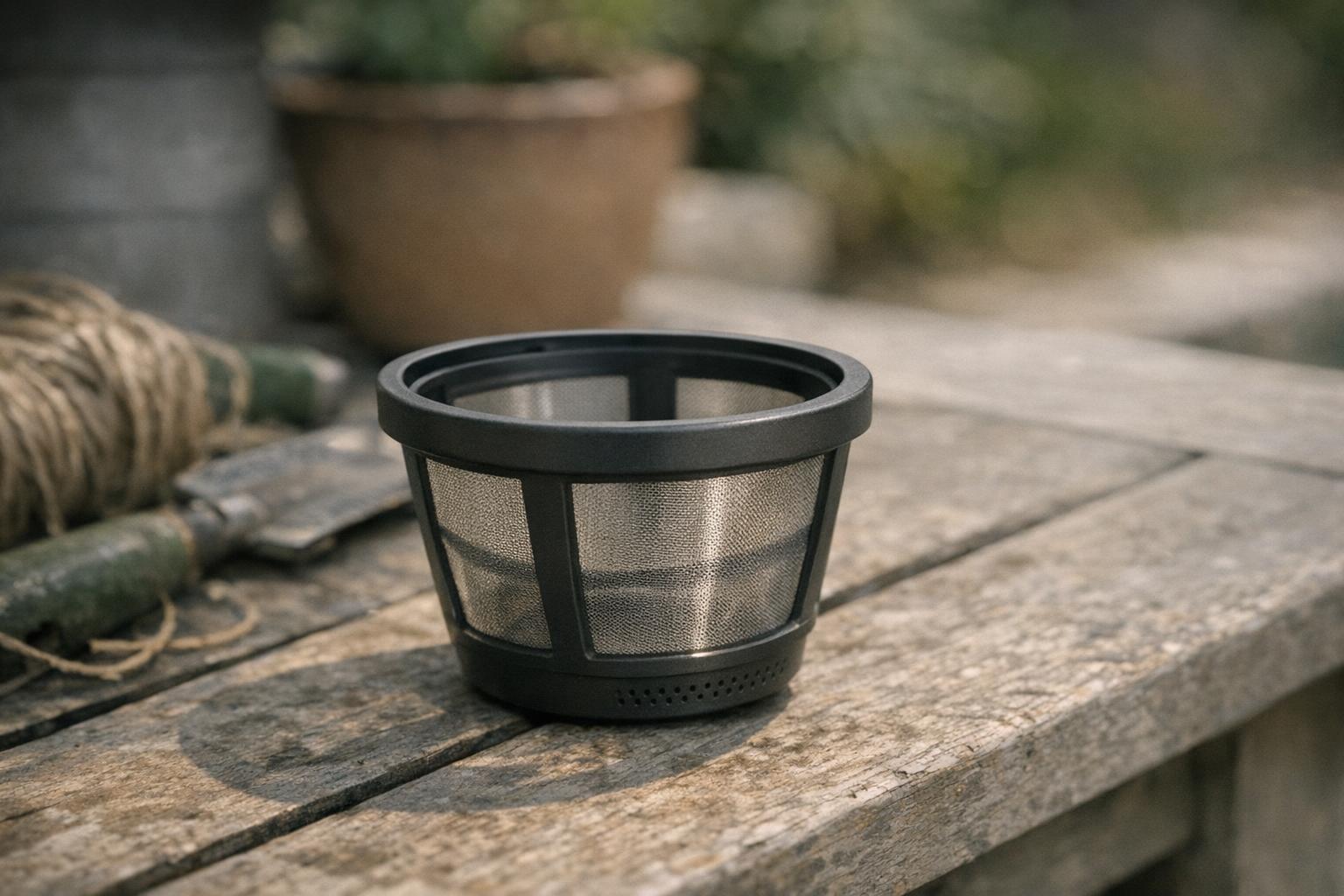
Find the cleaner model and serial number, then the filter assembly or panel identifier. Check whether the part is a complete basket, a panel set, an insert, or a frame with no media included. Similar photographs can hide different latches, locating tabs, or basket shapes. Save the manufacturer compatibility reference before comparing seller listings.
Do not assume a panel can be cut, glued, stacked, or forced into place. The MTC8-UNI manual specifically warns against forcing its filters into position.[2] Our accessory compatibility checklist helps distinguish a documented replacement from something that merely looks similar online. If identification is unclear, ask support before opening a package you might need to return.

Evaluate claims without inventing a standard
When a seller gives a micron figure, identify the source and the exact filter it describes. If the manufacturer documentation does not provide that measurement, record it as unverified instead of estimating from a photograph. Avoid assuming two products labeled ultra-fine use identical media or have directly comparable performance.
For your decision, ask practical questions: is the accessory approved for this cleaner, which debris does the manufacturer describe, and what cleaning routine does it require? A filter is part of a system. A more detailed specification is useful only when it helps answer your actual cleaning problem and is documented for the part you will receive.
Build a repeatable rinsing routine
Choose a place to remove the collected debris without sending it straight back toward the pool. Prepare a container for larger material and keep the removed parts together. Follow the model instructions for opening the basket, removing panels, rinsing, and reassembly. Photograph the correct orientation the first time if the arrangement is easy to forget.
Maytronics recommends cleaning Dolphin filters after each cycle and notes that fine particles can obstruct ultra-fine filters even when they look clean.[5] Use that guidance as a reason to check the filter carefully, not permission to apply unapproved chemicals, appliance washing, or pressure-washer treatment to another brand.
Change filters for a reason
Compare results under reasonably similar debris conditions before deciding an alternate filter is worthwhile. Note the installed part, cycle mode, starting condition, and what remains afterward. If the pool had heavy leaves in one session and fine dust in another, the two outcomes do not establish which filter is better. They describe different jobs.
Our seasonal care guide explains how opening conditions can differ from routine maintenance. A spare compatible filter may help organize those tasks, but it is not automatically necessary. Buy it to solve an identified need. Avoid collecting accessories based on hypothetical problems when the supplied assembly already performs your normal job satisfactorily.
Know when the filter is not the whole problem
Inspect the frame, seal surfaces, latches, and media using the manual. Record tears, distortion, or a lid that does not close normally. Stop forcing an assembly that does not seat. Contact support about damage or uncertain fit; a new insert will not necessarily repair a broken basket or housing.
If cleaning remains poor after correct filter maintenance, move to our structured troubleshooting guide. Check the selected mode and describe whether the robot misses an area or reaches it without collecting debris. Do not diagnose algae treatment, water sanitation, or a drive fault solely from what appears in the basket. The best next purchase may be no purchase until the actual cause is understood.
Label spare assemblies clearly so the household knows which one is installed. Keep a photograph of the correct latches and panel arrangement with the part number, especially if pieces are separated for cleaning. When a replacement arrives, compare it with those records before discarding the packaging. This small organizational step is useful even when you own only one cleaner, because parts with similar names can remain difficult to distinguish months after the original purchase.