Seasonal pool robot care is a handoff between different jobs. Opening a pool, maintaining it during normal use, and putting equipment away are not identical routines. Use the exact manual to define the operating limits, then organize your own checklist around the conditions and people responsible for each stage.
Separate pool opening from robot startup
Begin with the pool itself. Identify the larger opening tasks and decide who will handle them. Do not place a cleaner into unfamiliar water conditions just to see whether it can cope. Gather the pool treatment records, current test results, and the robot manual before choosing the first operating day.
Maytronics describes Dolphin maintenance as following initial spring cleanup, filtration startup, chemical balancing, and major-debris removal.[4] That boundary is useful for planning. Ask a pool professional about water or surface problems outside your knowledge. A robot purchase does not remove the need to understand the pool system or follow the treatment products own instructions.

Inspect equipment before putting it back to work
Unpack the cleaner where you can see its accessible surfaces clearly. Compare its condition with storage photographs if you have them. Check the handle, brush area, filter assembly, and visible connections according to the manual. Note missing accessories before the first launch, especially anything needed for retrieval or safe maintenance.
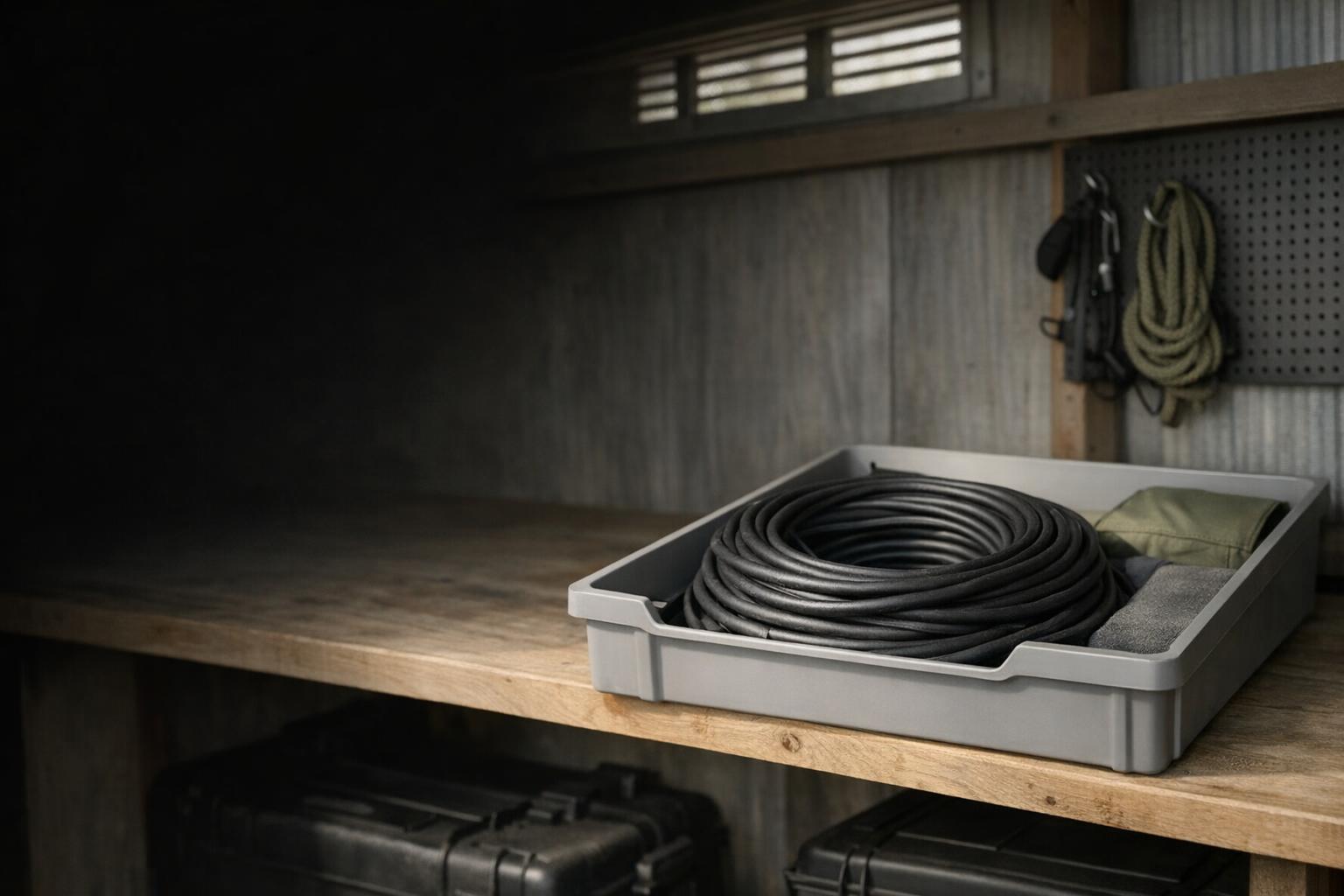
For a corded machine, follow our cable care workflow to restore the documented setup. For a cordless machine, consult the charging instructions before trying a stored battery. Stop if equipment appears damaged or an assembly does not fit normally. Do not treat an attempted start as a substitute for inspection or evidence that the equipment is safe.

Choose the first filter for the actual job
Describe the debris remaining after the initial cleanup and identify the supplied filter. If you own more than one approved assembly, consult the manual about the intended use of each. The MTC8-UNI manual distinguishes its spring filter for large debris from its day-to-day ultra-fine filter.[2]
Use the filter selection guide to check compatibility rather than assuming a panel from another cleaner will work. During the first session, record what is collected and what remains. The opening result is a baseline for that starting condition, not a fair stand-alone test against an ordinary midsummer maintenance cycle.
Create an in-season routine that survives busy weeks
Assign responsibility for launching, retrieving, rinsing, and storing the cleaner. A short checklist near the equipment can be more useful than an ambitious maintenance schedule nobody reads. Include the model identifier and where the manual is saved. If a family member or caretaker fills in, demonstrate the approved retrieval procedure before leaving them to improvise.
Maytronics recommends cleaning Dolphin filters after each cycle.[5] Use your own manual to set the equivalent routine. Record unusual behavior briefly: what changed, when it happened, and whether the selected mode differed. Do not keep running a cleaner with a known fault simply because the next scheduled pool service is several days away.
Prepare storage before the last session
Decide where the robot, supply or charger, filters, and retrieval tools will go. Make the space accessible and check it against the manual. Keep removable parts together and label them by model. Store documentation in a place that will still be easy to find when pool opening feels far away.
Maytronics advises keeping Dolphin equipment away from strong pool chemical fumes and protecting it from harsh storage conditions.[3] Read the exact temperature requirements for your cleaner. For cordless equipment, use our charging and storage guide and the model battery instructions. Do not copy a storage charge percentage from a different product family.
Leave a useful handoff for next season
Write a one-page record with the final condition, any pending service issue, installed filter, accessory locations, and the date of storage. Attach a photograph of the clean assembly and visible labels. Add only the reminders required by the manual, including any battery maintenance action, instead of creating a generic schedule without a source.
At the next opening, read that record before powering the cleaner. Resolve deferred repairs and verify that the manual still corresponds to the equipment you have. If the cleaner went into storage with an unexplained fault, assume the question remains open. Seasonal organization pays off when it preserves information and prevents avoidable mistakes, not when it makes unsupported promises about extending equipment life.
Include the people involved in the seasonal handoff. If a service company closes the pool but you store the robot, state that division explicitly. If someone else will reopen it, leave a contact route for unresolved questions and identify parts that should not be used. A clear ownership record prevents equipment from being launched simply because it is present, especially when a repair decision was deferred at the end of the previous season.